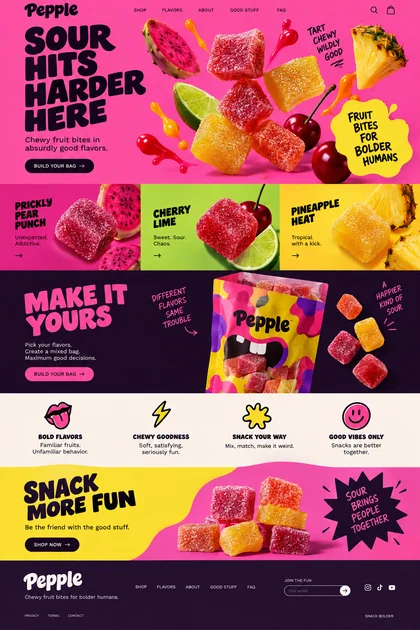
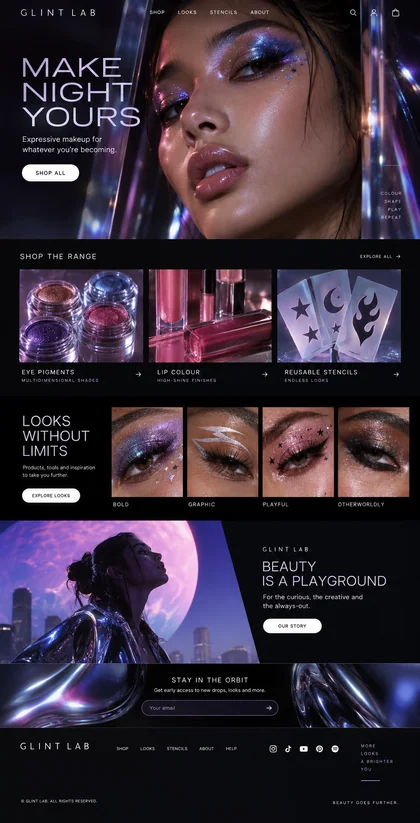
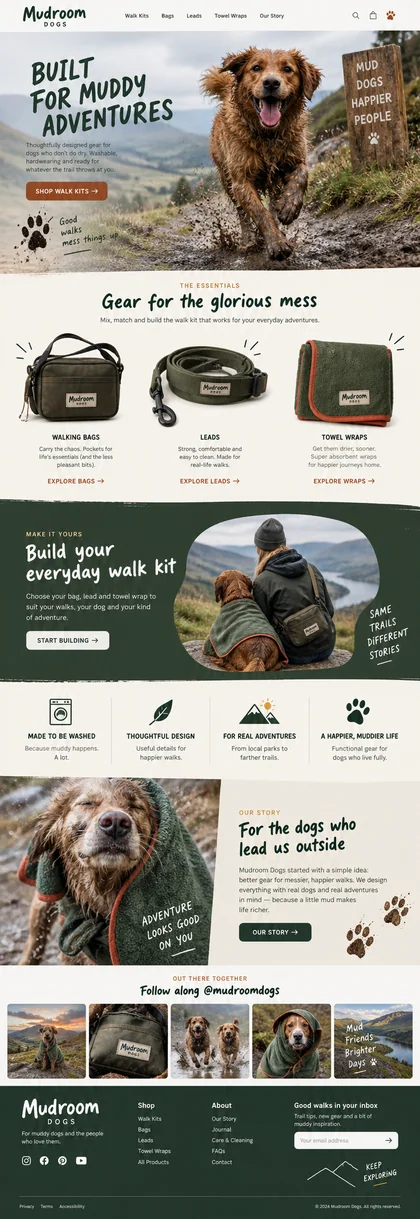
Your files, included.
Your free first page includes its source files and assets. There’s no subscription required to keep that download.
Tell us what you’re building. Get an original website design, make it yours in chat, and take it live.
Build and download your first page free.
No card needed. Plans from $29/month for edits, more pages, and hosting.
Your business, your audience, the feeling you’re after. Add your website or brand references if you have them. Waveform designs from there.
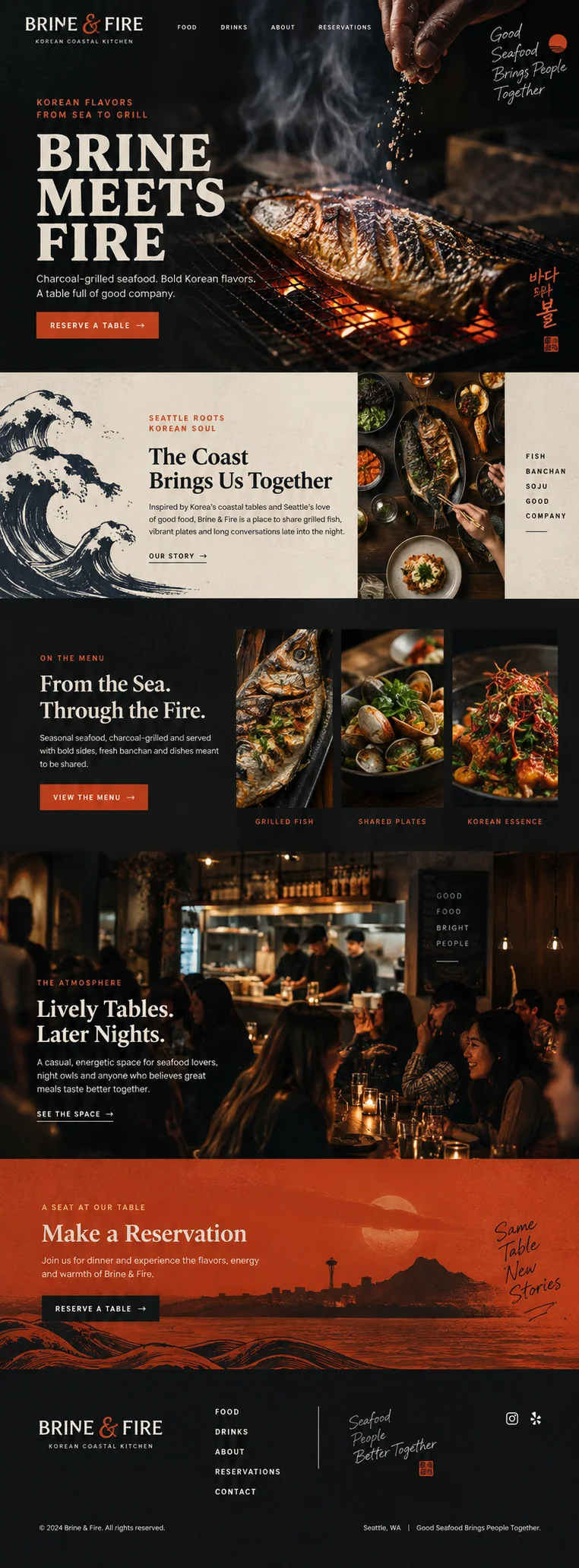
A casual Korean coastal seafood restaurant in Seattle, with charcoal-grilled fish, shared plates and lively evening dinners. The page centers on the food, the dining room and booking a table.Explore this design
The examples are here for inspiration. Your brief gets its own design.
Choose a design, then ask for the changes you want. New copy, a different layout, another section. Review each update before you publish.
Edits are included with a paid plan and use credits.
Explore editing“Make the menu easier to find.”
“Add a section for private dinners.”
“Give the headline a warmer tone.”
Write it the way you’d say it.
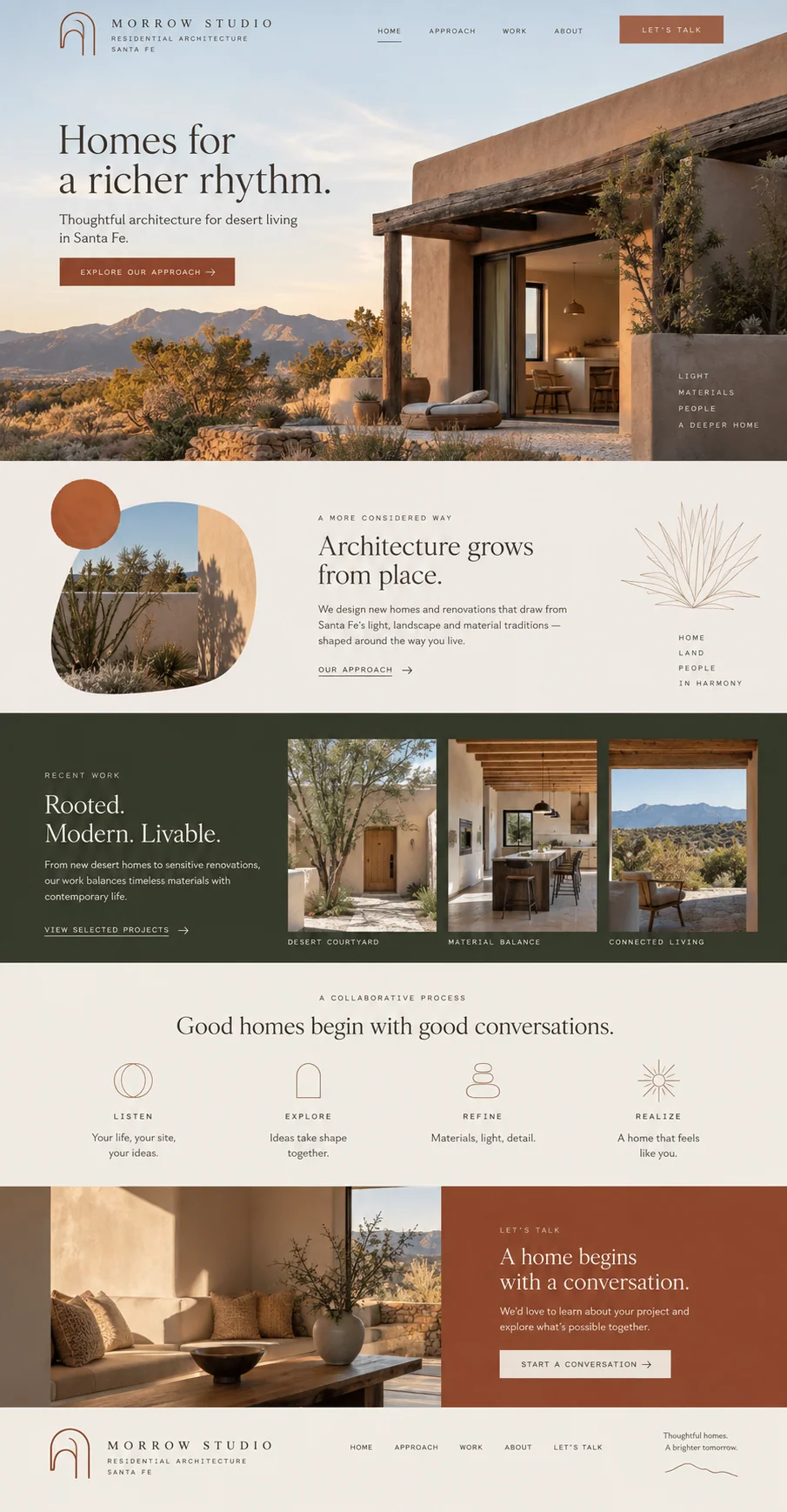
A landing page for a launch. A portfolio for your work. Or a full website with room for the whole business.
Add pages in your site conversation. They share the design and navigation, so your site feels like one place.
Full sites and additional pages require a paid plan.
See how complete sites workDownload the HTML, CSS, JavaScript, and assets. Keep the files, edit the code, or host them yourself.
What’s in your downloadA coastal inn, a dance studio, a neighborhood electrician. See how each brief becomes a design.
Find your industry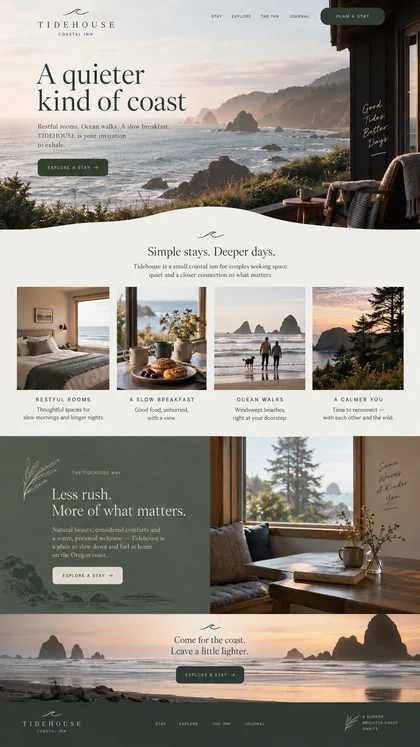 Explore design
 Travel & hospitality
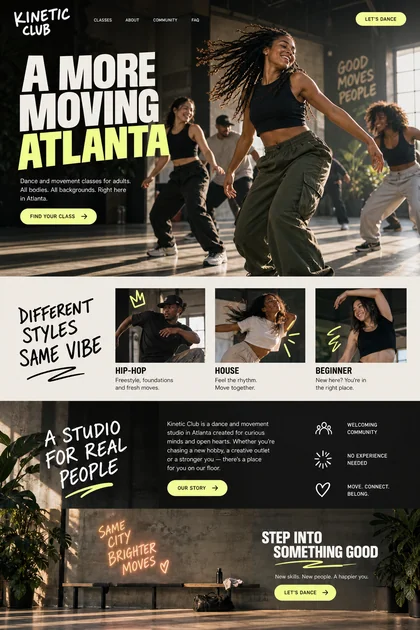 Explore design
 Fitness & movement
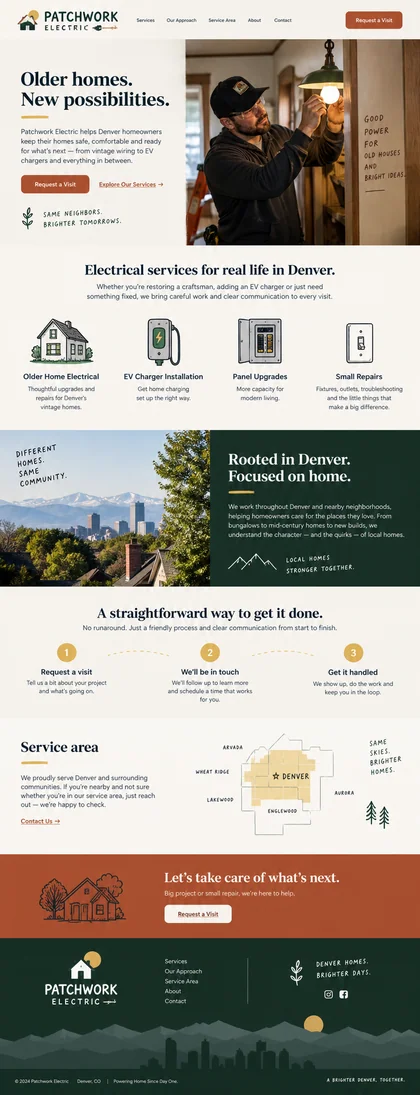 Explore design
 Home services
Start with one landing page. See the design. Download the files.
Your first page is free. No card. No automatic subscription.
Plans from $29/month for edits, more pages, and hosting.