Landing pages for your ads
Send visitors to a page about the offer they clicked. Include the price, explain what’s included, and give them a way to buy or get in touch.
Create a campaign pageWaveform designs a site from your brief. Edit it in chat, then publish or download your files.
Your first page is free. No card needed.
Plans from $29/month for edits, more pages, and hosting.
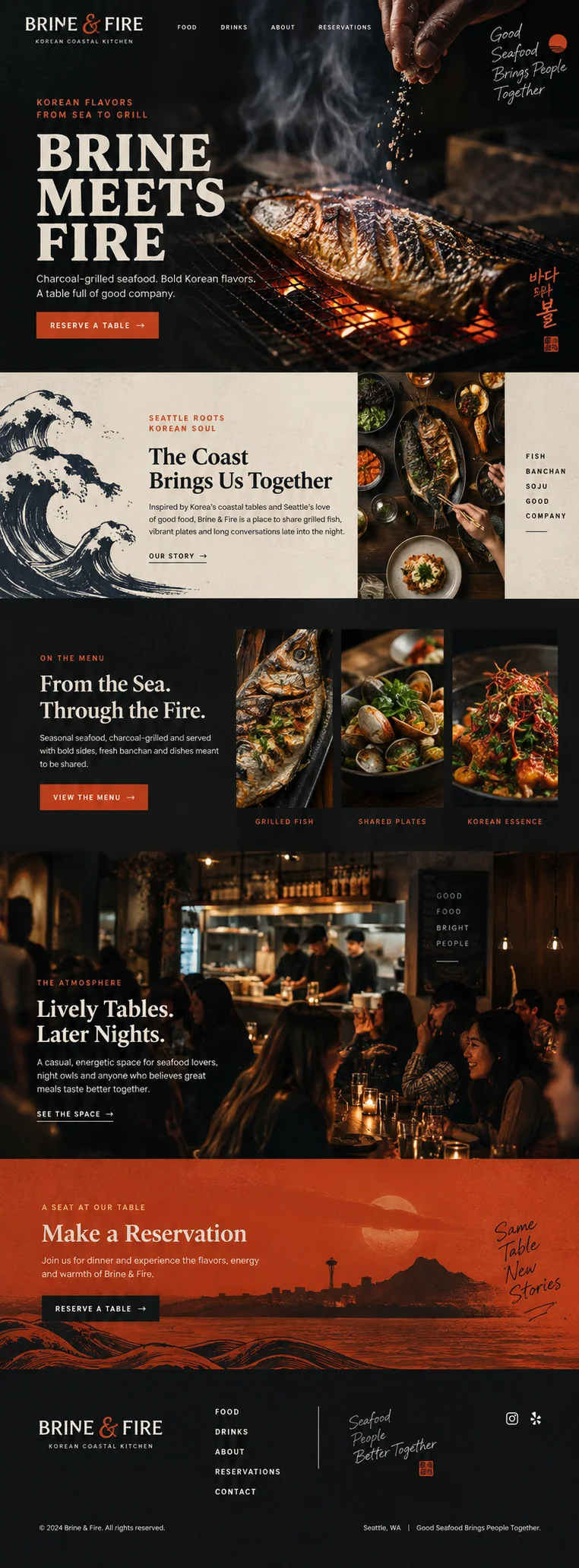
A page for your next ad, a product launch, or an event. Tell Waveform what you’re making and who it’s for.
Send visitors to a page about the offer they clicked. Include the price, explain what’s included, and give them a way to buy or get in touch.
Create a campaign pageShow your product, explain how it works, and link to your store. If it’s still in development, invite people to join the waitlist.
Create a launch pageShare the date, location, and what’s included in your workshop or event. Add a signup form so people can register their interest.
Create an event pageBrowse sites for restaurants, shops and service businesses. Open any design to read the brief that created it.
See all 28 examples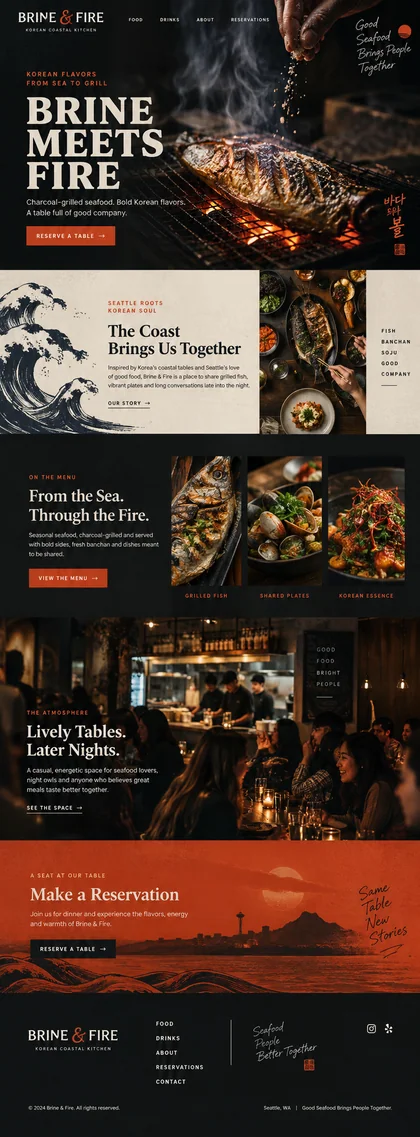 Explore design
 Restaurants
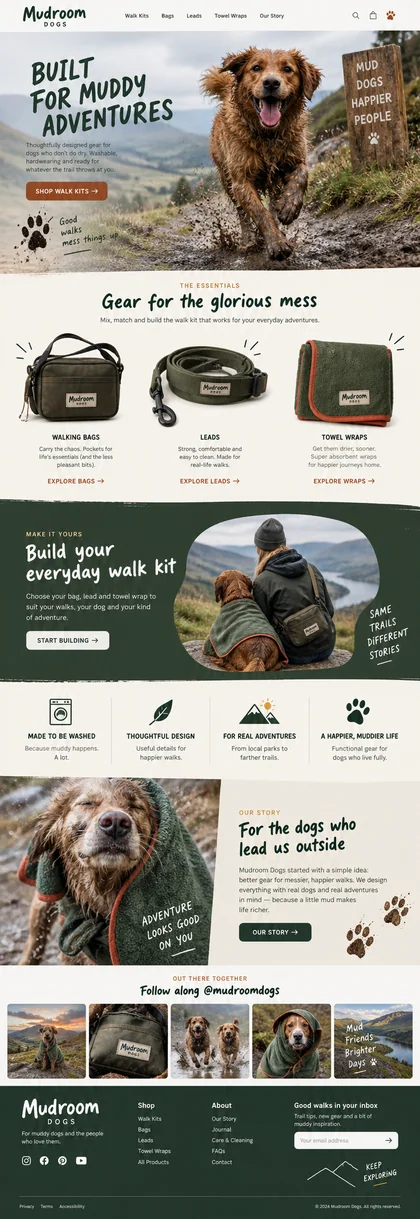 Explore design
 Pets
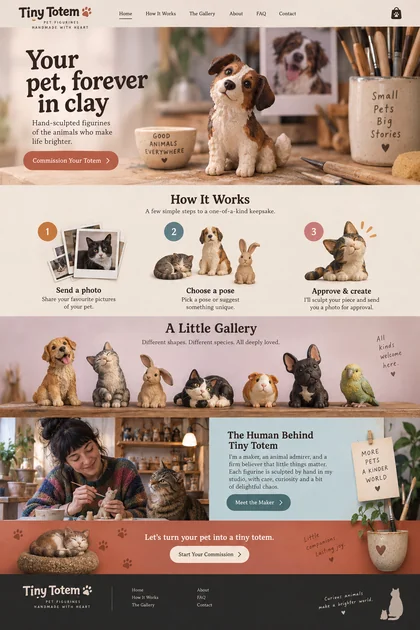 Explore design
 Gifts & crafts
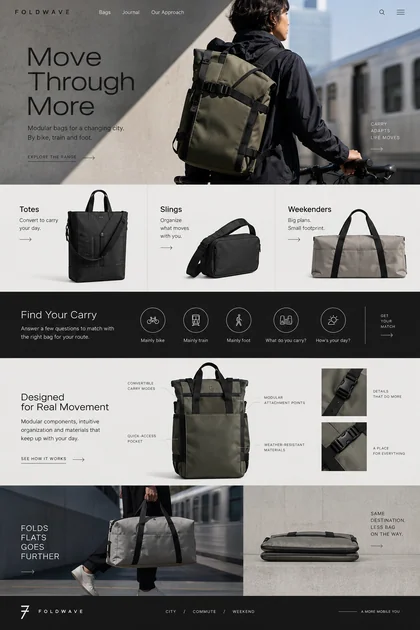 Explore design
 Fashion & accessories
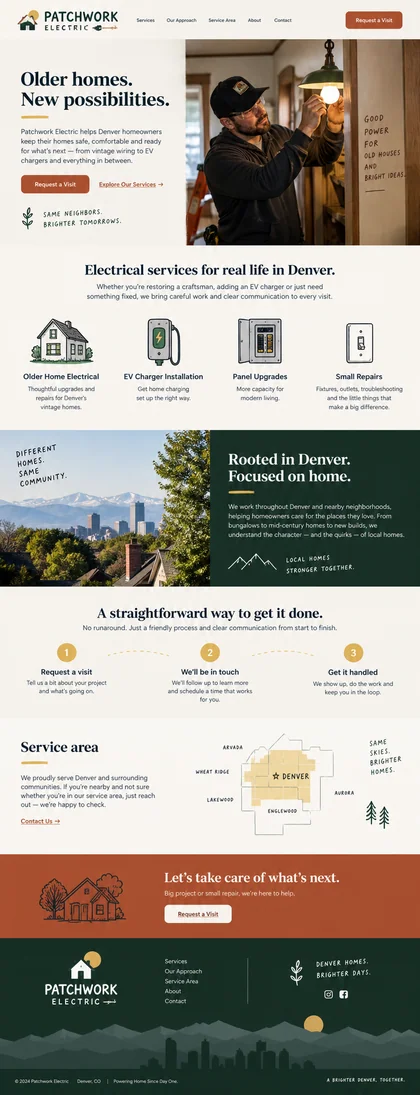 Explore design
 Home services
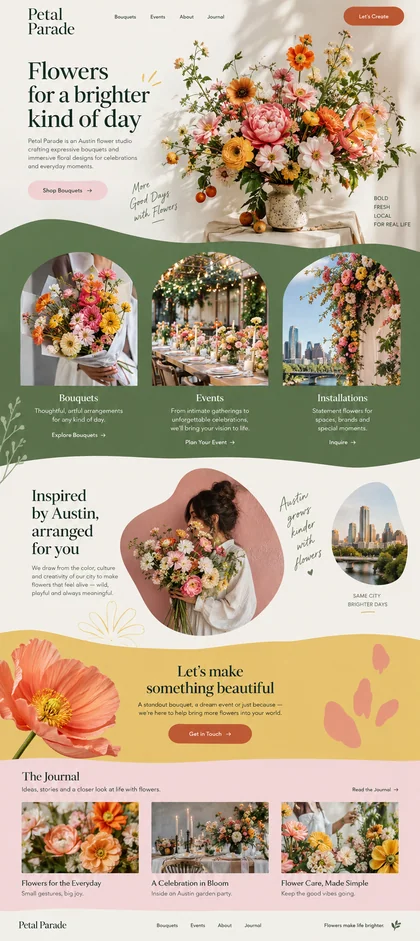 Explore design
 Flowers & events
Describe what you offer, who it’s for, and what visitors should be able to do on your site.
A few sentences are enough to start. Add your existing website if you have one, along with any details the new site needs. Waveform creates original designs for you to compare and edit.
See how Waveform worksEXAMPLE BRIEF“A landing page for our new running journal. Show how it helps runners track their training, and invite visitors to join the launch waitlist.”
Tell Waveform about your business and the pages you need. Include your offer, audience, and any text or branding you want to keep.
Choose from designs created for your brief. Ask for changes in chat. Add pages with the same design and navigation when you need a full site.
Try the links and forms, and check the mobile layout. Download your files or publish with Waveform when you’re ready.
Every page includes its HTML, CSS, JavaScript, and assets. Download them to edit or host elsewhere.
Explore the productMake changes in Waveform’s code editor, or download the files and use your own tools.
Publish your site and connect your own subdomain. Choose when changes go live.
Connect a form to collect signups or inquiries. Read responses in your inbox or send them to a connected tool.
Use the HTTP API or give your assistant access through MCP.
A close look at four landing page designs, from candy to local services. See how imagery, information, and the next step work together.
Turn your current website into a useful page brief: gather confirmed facts, choose one offer, preserve your branding, and specify the next step.
Review message match, offer details, mobile behavior, forms, destinations, and measurement before sending Google Ads traffic to a page.
Yes. Create an account and verify your email to build and download your first landing page free. No credit card is required and you are not enrolled in a subscription. Edits, more pages, full sites, and hosting require a paid plan from $29/month. Compare plans.
No. Waveform creates a unique design for each site from your brief. You choose from designs made for your project, and related pages share that design. The gallery shows examples of what Waveform can make.
Yes. Ask for a single landing page or a complete website. For a full site, Waveform builds related pages with shared design and navigation. Explore pages and sites.
Yes. Include the URL and describe what you want to create. Waveform can use the content and branding to inform the new design. Review names, prices, and offer details before publishing. Read the getting-started guide.
Yes. Download the HTML, CSS, JavaScript and assets. If you use managed forms, review their setup before moving to another host. See the HTML export checklist.
Your first landing page is free. A monthly plan from $29 then covers edits, more pages, sites, and hosting, with included credits for generation. Review usage in your account. Compare plans and credits.
One free landing page. No card. No automatic subscription.