How to write a landing page brief from your existing website
Turn your current website into a useful page brief: gather confirmed facts, choose one offer, preserve your branding, and specify the next step.
Decide what the new page needs to do
Start a landing page brief with the facts already published on your website. It can supply the business name, services, product descriptions, visual identity, and contact details. It does not automatically tell a new page which audience to address or which offer to prioritize. Those are the decisions the brief needs to make.
Waveform can use a supplied website’s content and branding as a starting point. Choose the URL most relevant to the new page, then review the research and brand details. A homepage is helpful for identity; a current product or service page may be a better source for the actual offer. Use material you own or are authorized to use, and correct anything outdated before it becomes part of a new page.
Collect the offer and business details
Read the current site with the new visitor’s questions in mind. For a local service, collect the work offered, service area, availability expectations, and how inquiries are handled. For a product, collect current variants, prices, specifications, and relevant purchase conditions. For an event, confirm the date, location, capacity, and booking terms.
Keep a simple note of where each important fact came from and who can confirm it. Old campaign banners, archived menus, and previous seasonal prices can look current when taken out of context. If two pages disagree, resolve the discrepancy before starting the new copy. Do not ask the page to fill a factual gap with a persuasive guess.
- Confirmed facts: names, offer details, prices, locations, and dates.
- Approved material: logos, photographs, product information, and quotations.
- Open questions: details that need an answer before publication.
- Required wording: terms or phrases whose exact meaning must be preserved.
Describe your audience and the action to take
Write down where visitors will come from and what they expect. Someone following a search ad for a repair is arriving with a different task from someone opening a brand newsletter. The brief should name the audience and their main question in language the person running the business would recognize.
Then describe the action and what happens afterward. Requesting a visit, receiving a quote, booking an available slot, and placing an order are different outcomes. State which one the page supports. If a human needs to review a request, the page should explain that expectation instead of presenting the action as an instant confirmation.
A service brief: bring the important detail forward
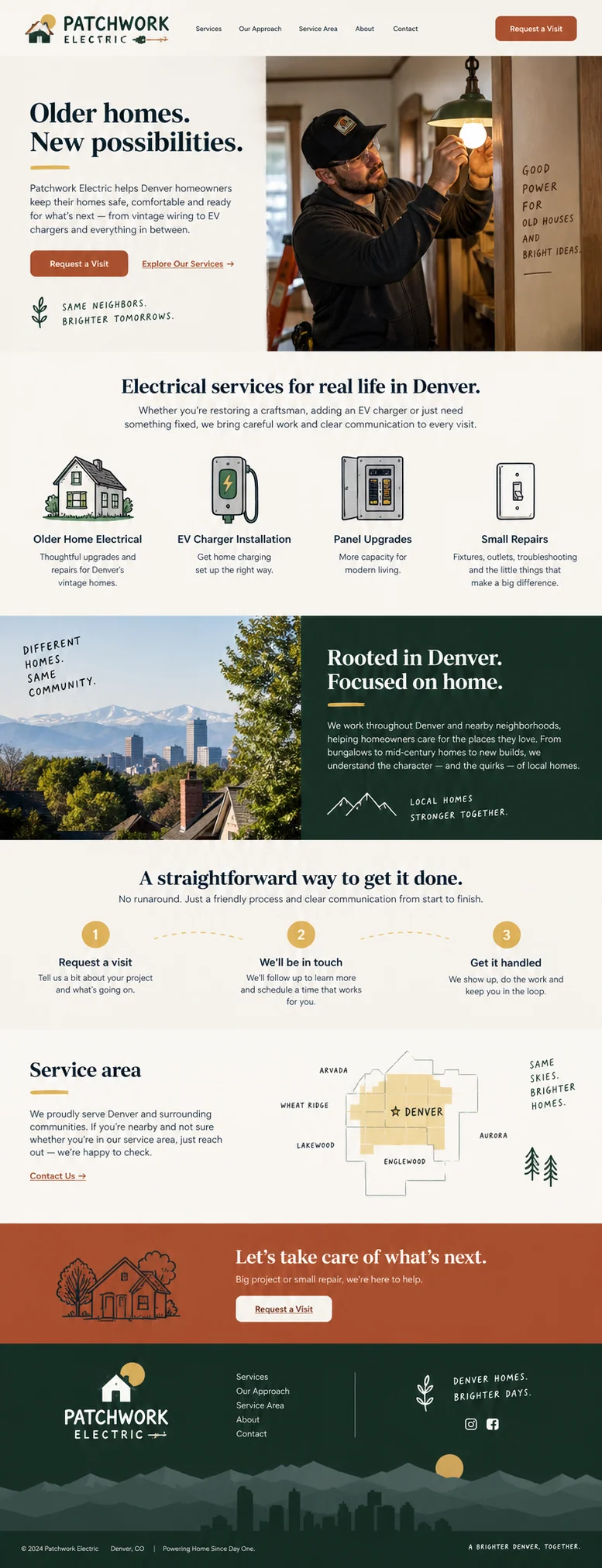
The Patchwork Electric concept combines older-home work, several service categories, and a Denver service-area story. A campaign brief would name the selected service, carry over its details, and explain which other business information the new page needs.
For example: create a page for homeowners evaluating EV charger installation. Use our approved service-area list and current installation information. The next step is to request a visit, not to book a confirmed installation. Explain what information we need to assess the request. Keep the business name and verified contact details exact. Use the supplied photos and do not add claims about licensing, response time, or pricing unless they appear in the approved notes.
A restaurant brief: separate the everyday site from the occasion
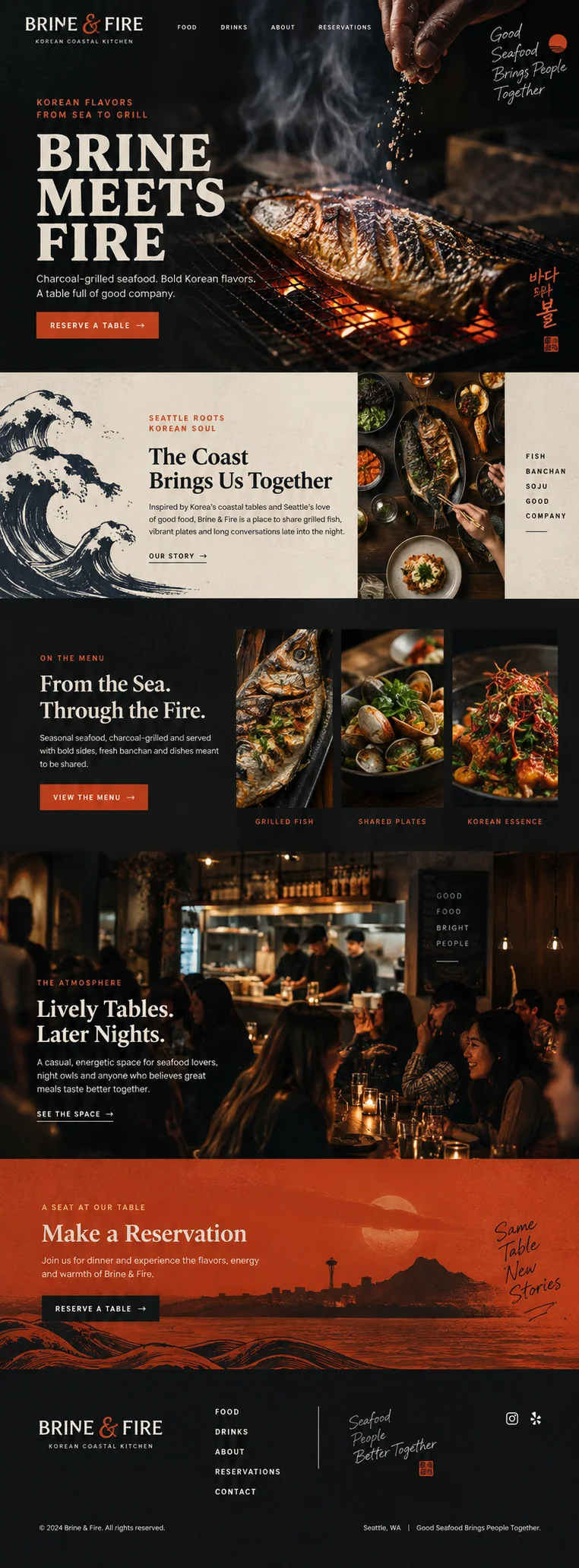
The Brine & Fire concept presents a restaurant’s food and atmosphere. A page for a particular dinner would need more precise information: what the evening includes, the confirmed date, price, booking conditions, and the correct reservation destination. Those details belong in the brief before anyone writes a dramatic headline.
Specify which parts of the existing identity to preserve: the logo, approved food imagery, recognizable colors, and tone. Describe the feeling through concrete choices, such as a close view of the featured dish and readable menu details. Avoid stacking adjectives like premium, elevated, immersive, and unforgettable. They say little about the actual evening and give a designer few decisions to work with.
Review meaning before polishing the language
When the page is ready to review, check facts before style. Compare names, prices, dates, qualifications, quotations, and purchase terms against the approved notes. Then read the headings as a sequence. They should explain the offer, answer relevant questions, and lead to the intended action without repeating the same claim in different words.
Google’s helpful-content guidance asks whether a page adds original value and serves its intended reader. For a business landing page, we apply that advice by checking whether the customer can find the facts needed to decide. A supplied URL is a starting point; the final brief should be specific enough that someone can tell whether the new page fulfilled it. Review the working links, forms, and mobile layout before publication as a separate pass.
Source: Google Search Central: Creating helpful, reliable, people-first content
Sources and further reading
- Creating helpful, reliable, people-first contentGoogle Search Central